Universal TV remote for Android
Your phone is the TV remote
Lost the remote again? Remoto controls your smart TV over Wi-Fi with a full remote, a touchpad, a keyboard for typing on the TV, voice commands and your TV apps one tap away.
Free with ads. Phone and TV on the same Wi-Fi. Nothing extra to buy.
- Wi-Fi
- Touchpad
- Keyboard
- Voice
- TV apps
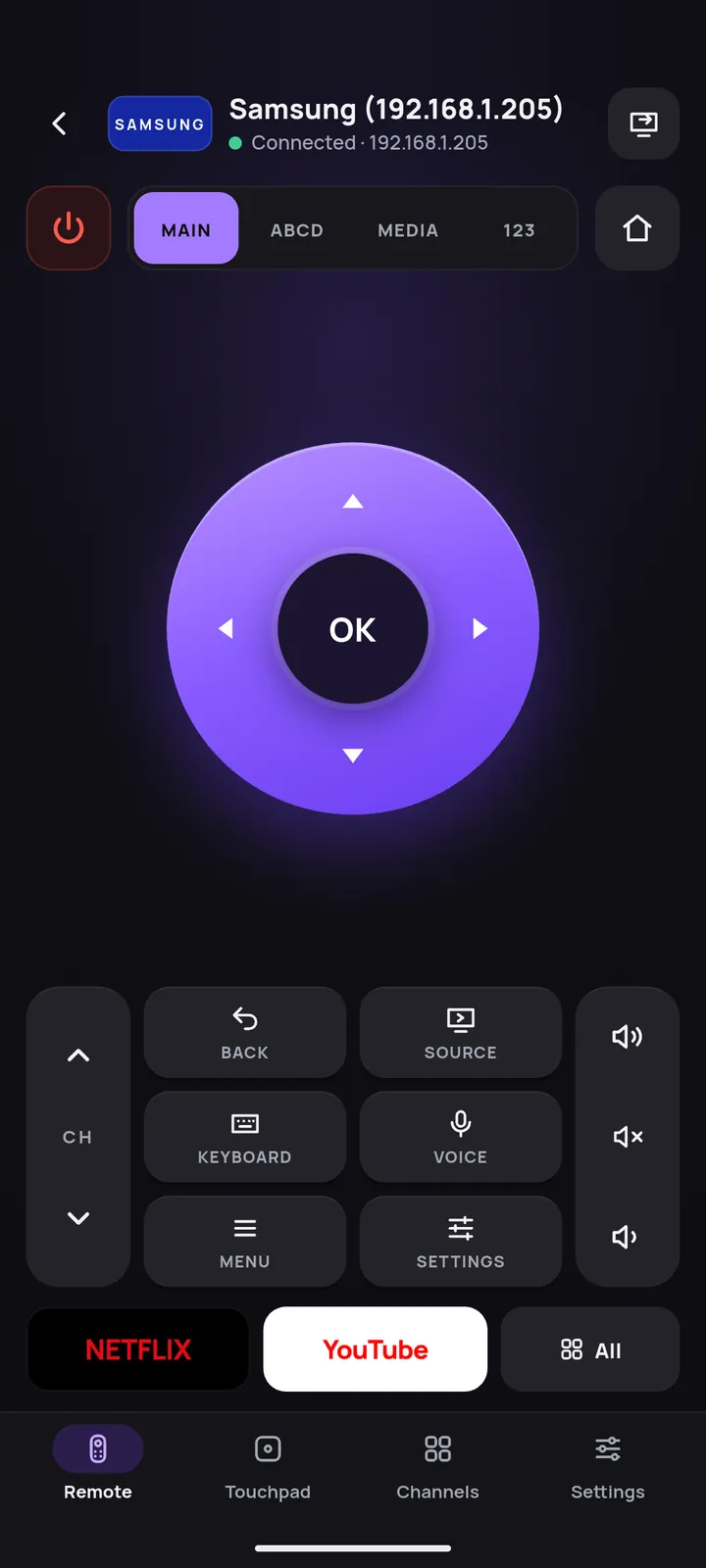
Works with major TV brands
- Samsung
- LG webOS
- Roku
- Fire TV
- Android TV
- Google TV
- Vizio
- Hisense VIDAA
- Sony Bravia
- Philips
- Panasonic
- TCL
- Toshiba
The buttons you get depend on the brand and model.
Features
One TV remote app for every TV in the house
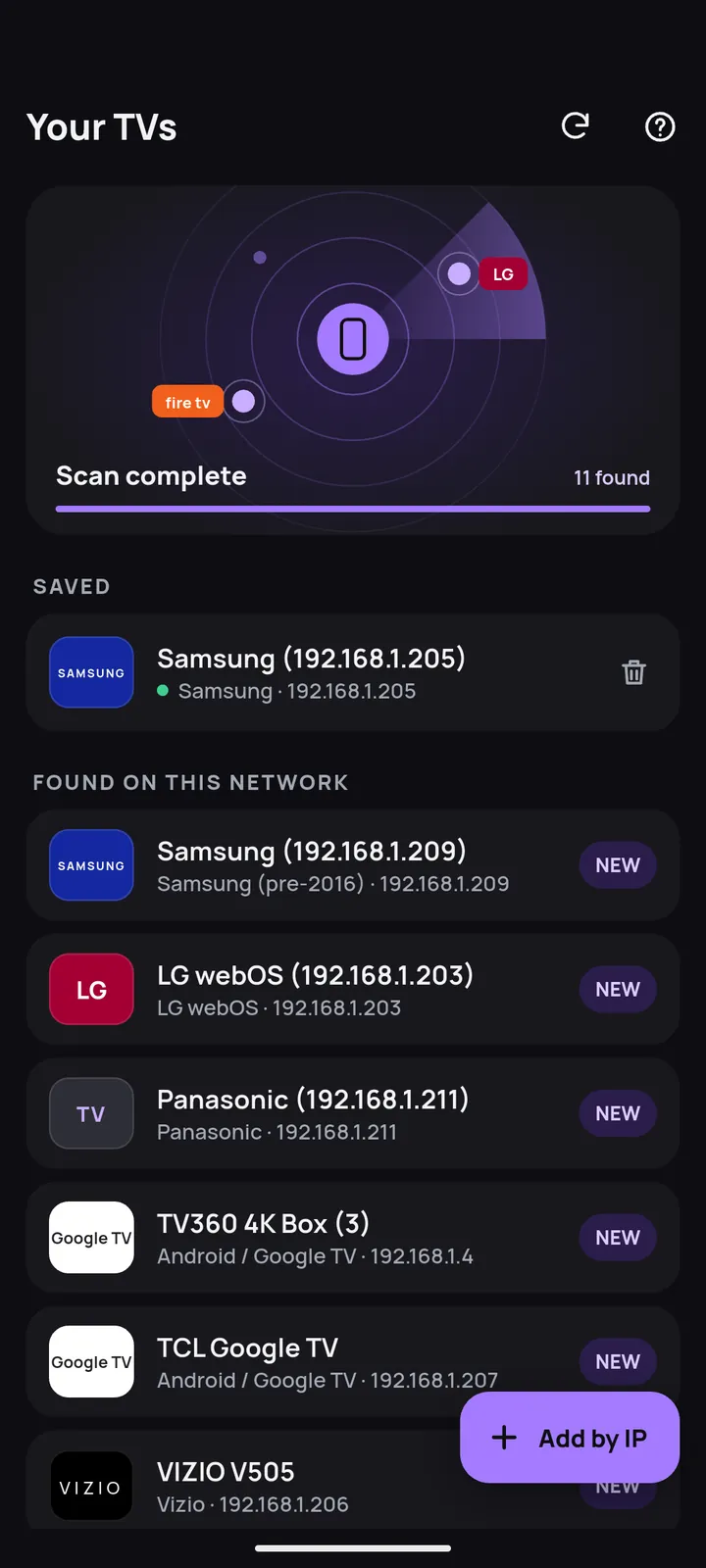
Finds your TV for you
Open the app and it scans your Wi-Fi, lists the TVs it finds and recognizes the brand. Not in the list? Add the TV by its IP address.
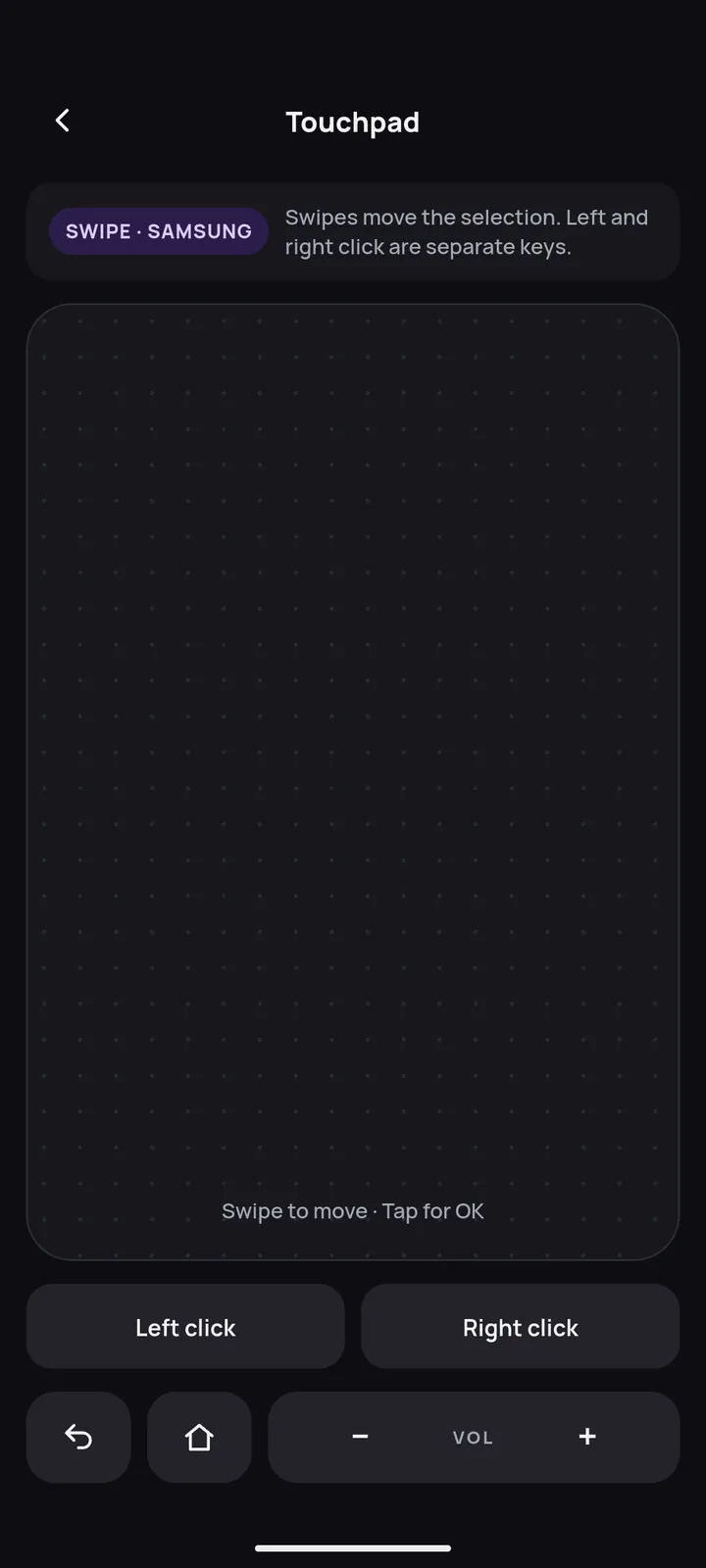
Swipe like a touchpad
Glide through menus and tap to select. Pointer mode works on supported LG and Samsung TVs.
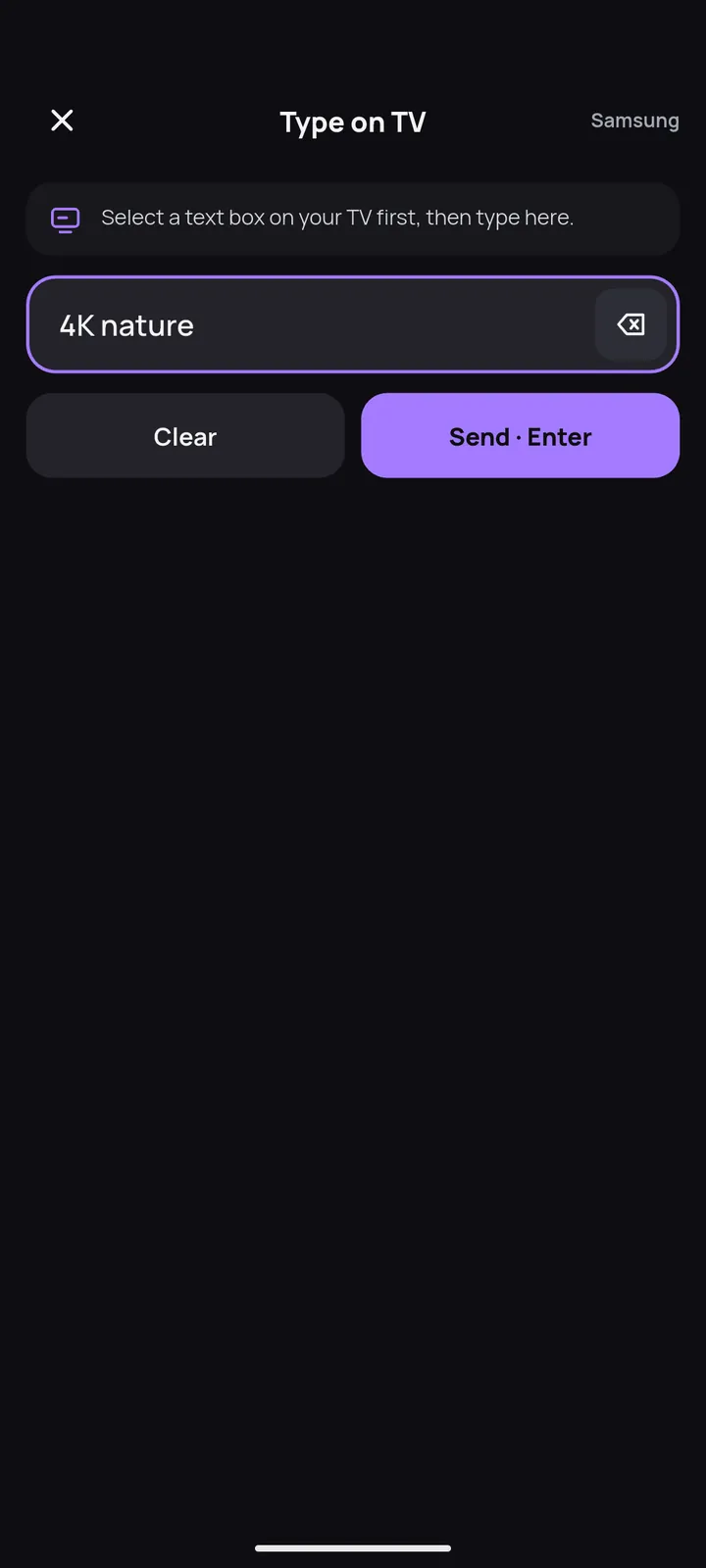
Type on the TV in seconds
Type searches, logins and passwords with your phone keyboard. The text goes straight into the box selected on the TV.
Just say it
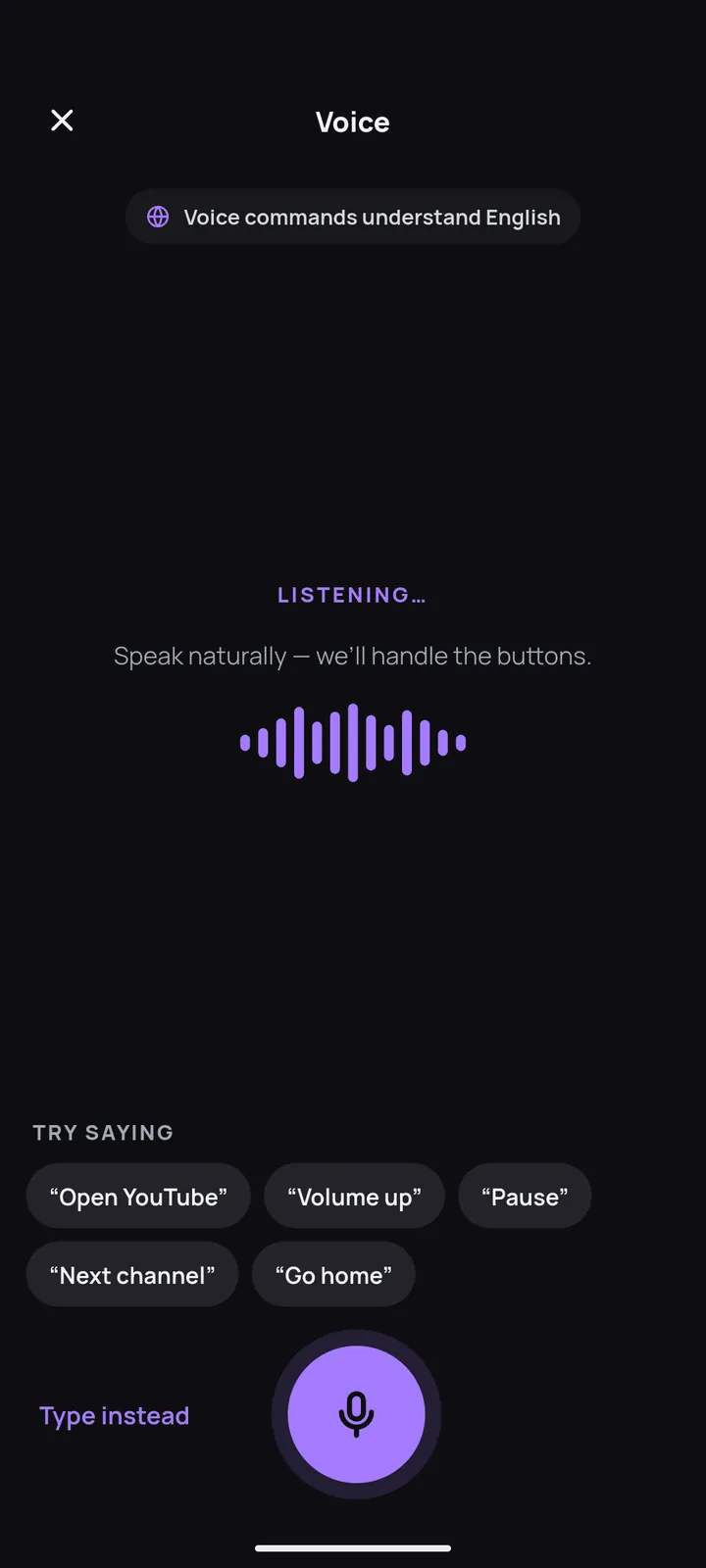
Voice commands in English: turn the volume up, mute, or open an app by name. Say what you want to search for and Remoto types it on the TV.
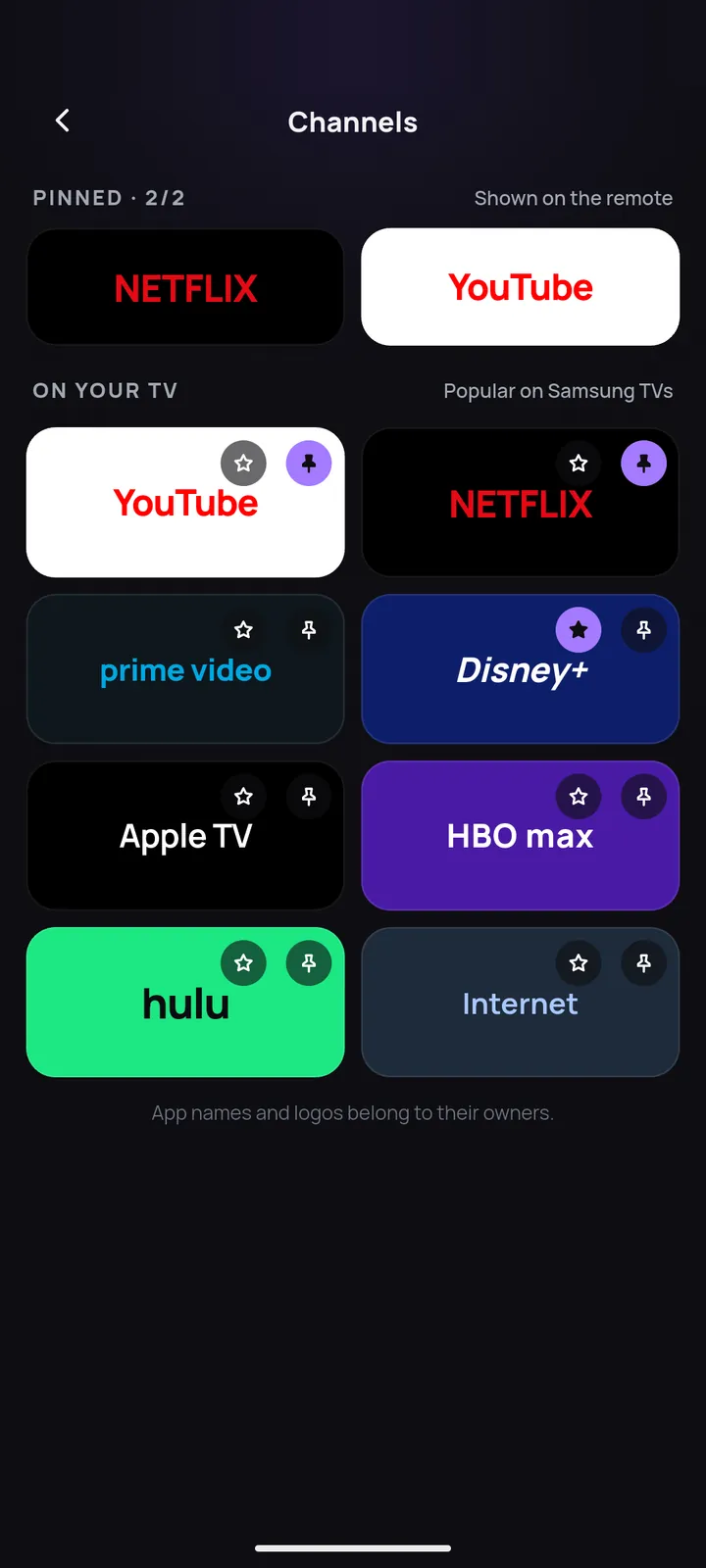
Your TV apps, one tap away
See the apps installed on your TV and open them with one tap. Pin your favorites to the remote screen.
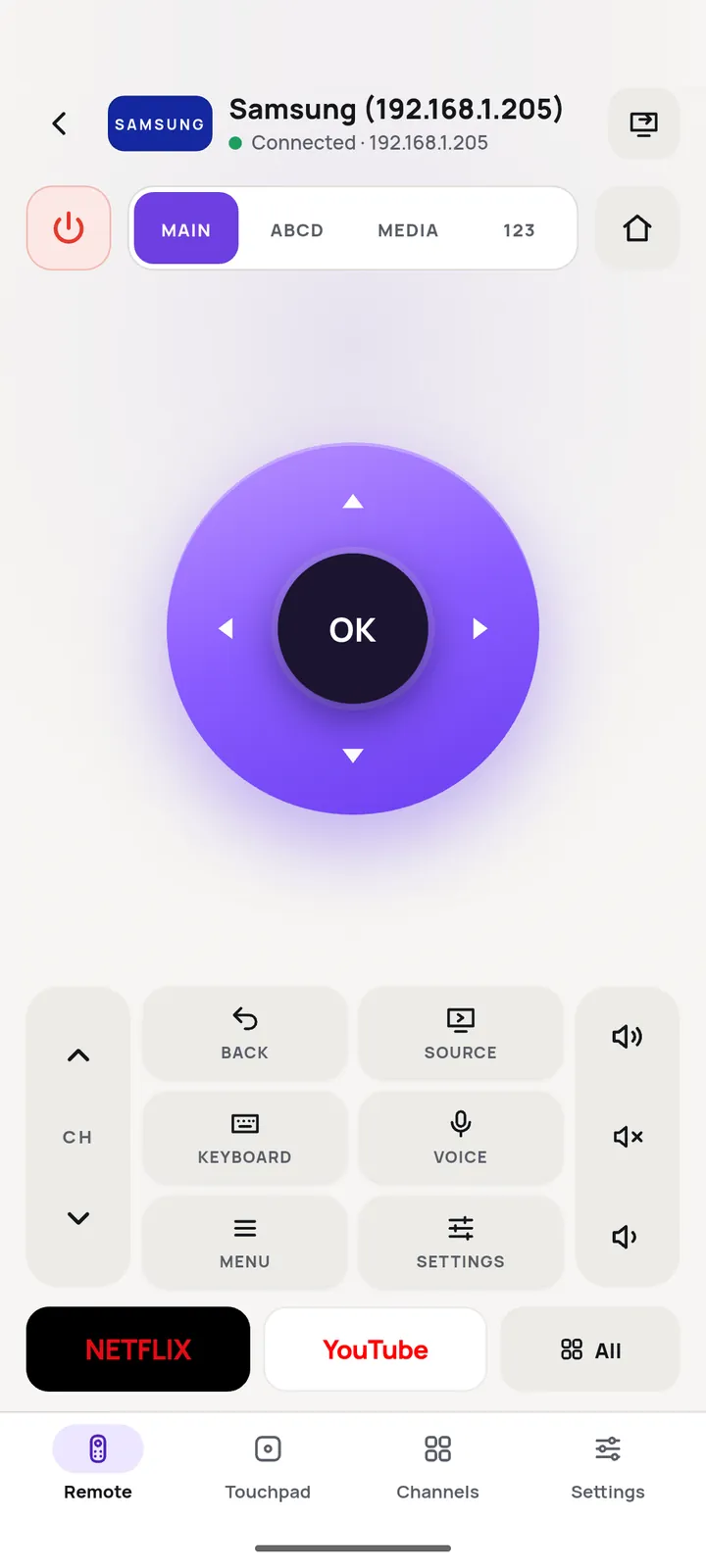
The whole remote in your hand
Every key you reach for on the couch, laid out for one thumb.
- Navigation
D-pad with OK, Back and Home
- Power and sound
Power, volume, mute and channel up or down
- Number pad
Jump straight to a channel
- Media keys
Play, pause, rewind and fast forward
- Extra keys
Color keys, source, menu and info on TVs that have them
- Multiple TVs
Save every TV at home and switch in a tap. Turn on LG TVs over Wi-Fi when the TV allows it.
Light or dark, your call
A clean remote with light and dark themes, on phones and tablets.
How to connect
Ready in under a minute
- Join the same Wi-Fi
Connect your phone to the same Wi-Fi network as your TV.
- Pick your TV
Open Remoto and choose your TV from the list.
- Approve on the TV
Accept the pairing request on the TV, or type the PIN it shows.
Questions
Do I need to buy anything extra?
No. Your Android phone talks to your smart TV over your home Wi-Fi. Phone and TV must be on the same network.
My TV does not show up in the list
Check that the TV is on and connected to the same Wi-Fi as your phone. You can also add the TV by its IP address, which you find in the TV's network settings.
Why are some buttons missing for my TV?
Each brand and model accepts a different set of commands over Wi-Fi. Remoto only shows the keys your TV can receive.
Which language does voice understand?
Voice commands work in English. When the app is set to Vietnamese, voice listens in Vietnamese. The app itself is available in 15 languages.
How do I cancel Premium?
Open Google Play, go to Payments and subscriptions, then Subscriptions, and cancel Remoto. Premium stays active until the end of the period you paid for.
Find the remote in your pocket
Free on Google Play for Android phones and tablets.
Get it onGoogle Play